Tour
FrostRoster from the inside
These are real screens of the tool, captured with made-up data. It is not an interactive trial: to try it, create a free account.
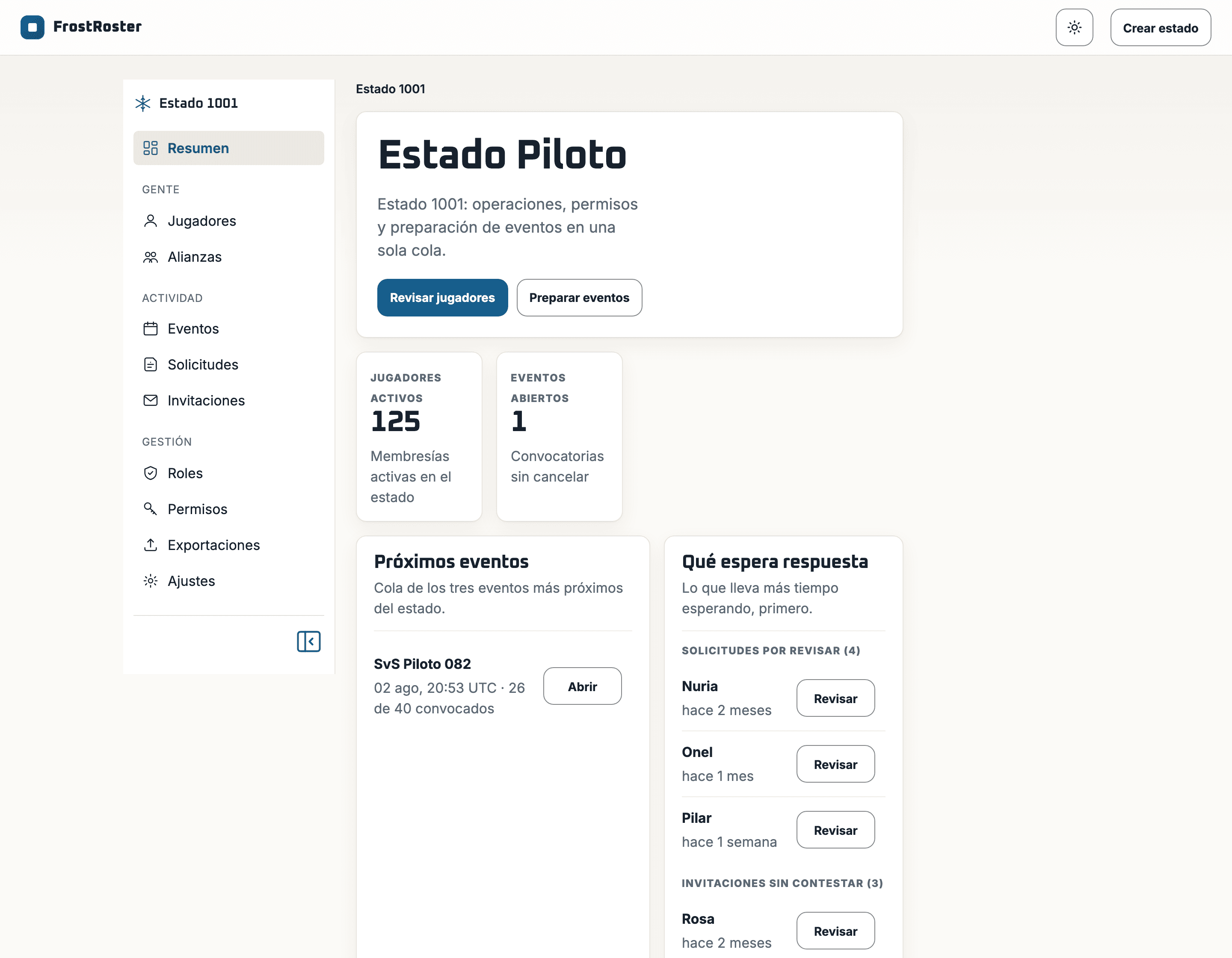
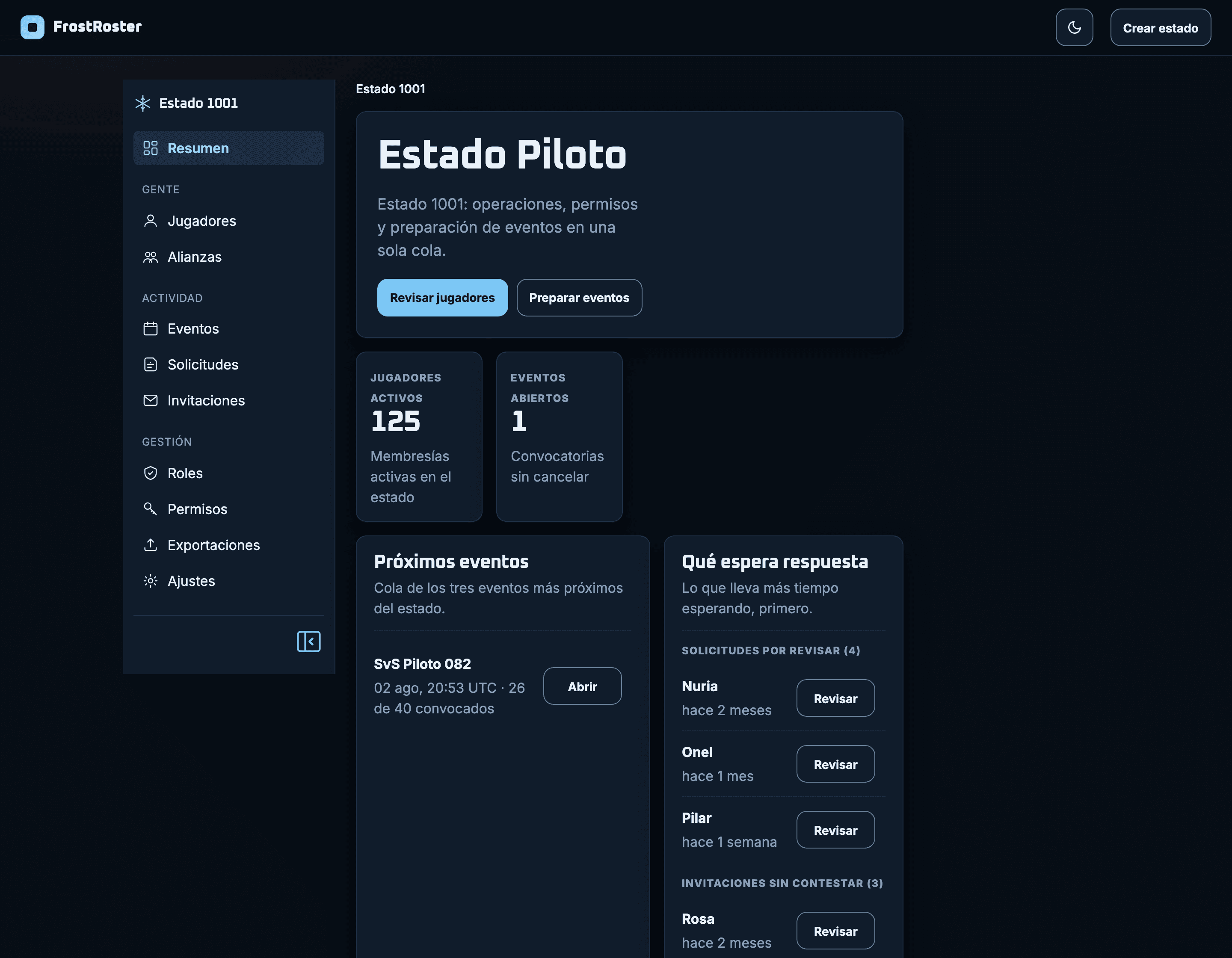
The state command post
Everything pending in a single queue: upcoming events, requests to review and unanswered invitations.
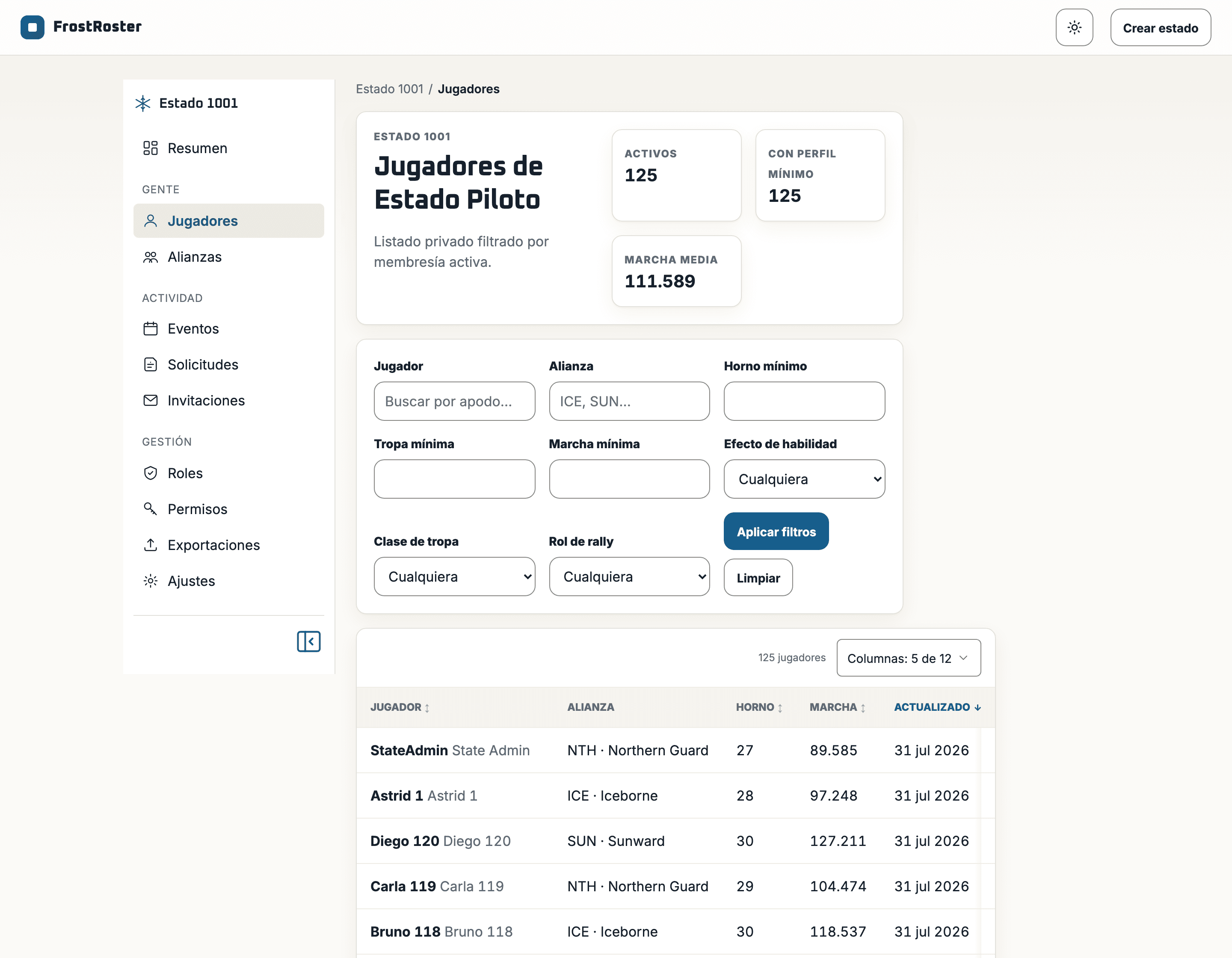
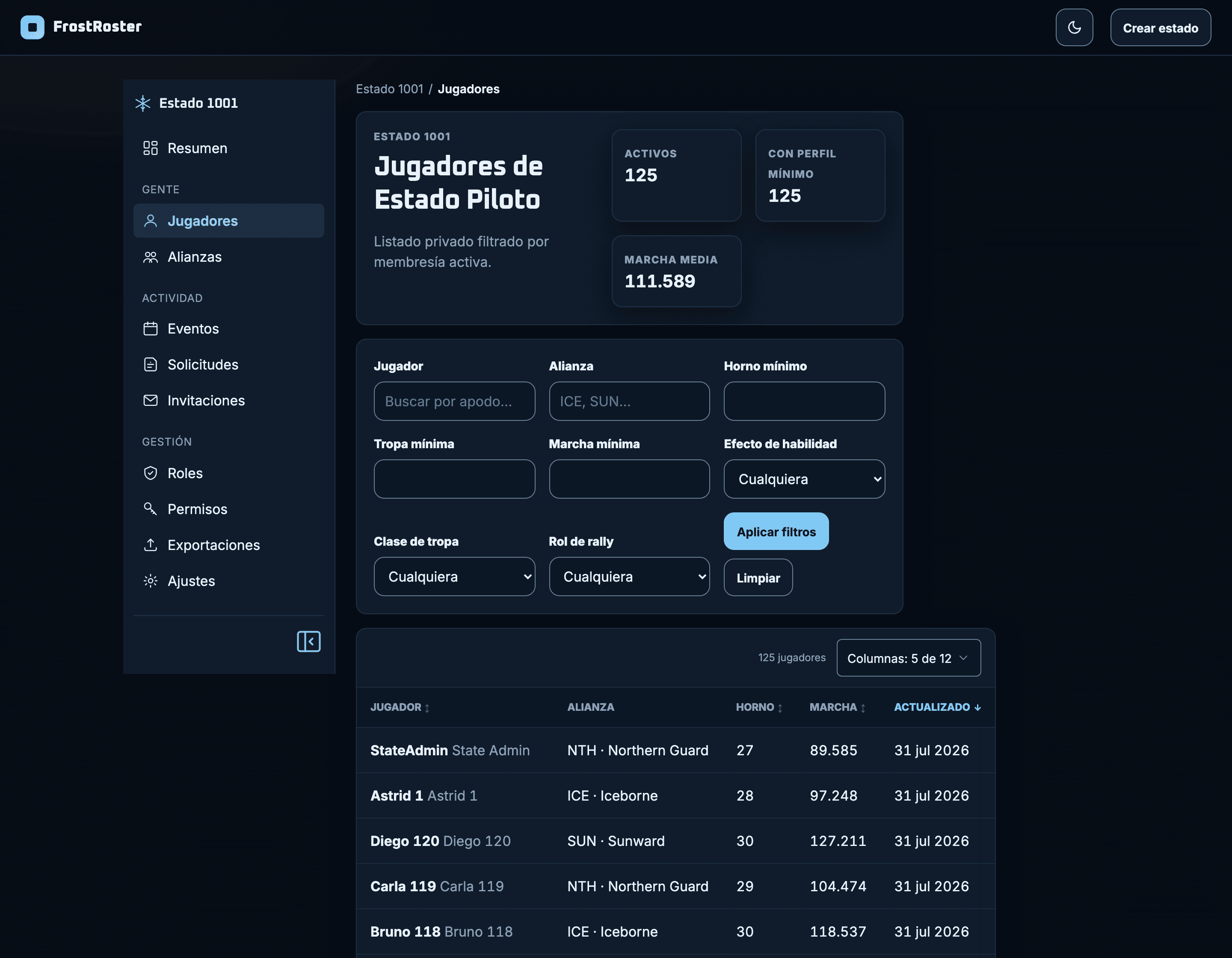
The full roster
A hundred and twenty-five players with furnace, march and alliance, filtered how you need and with the columns you pick.
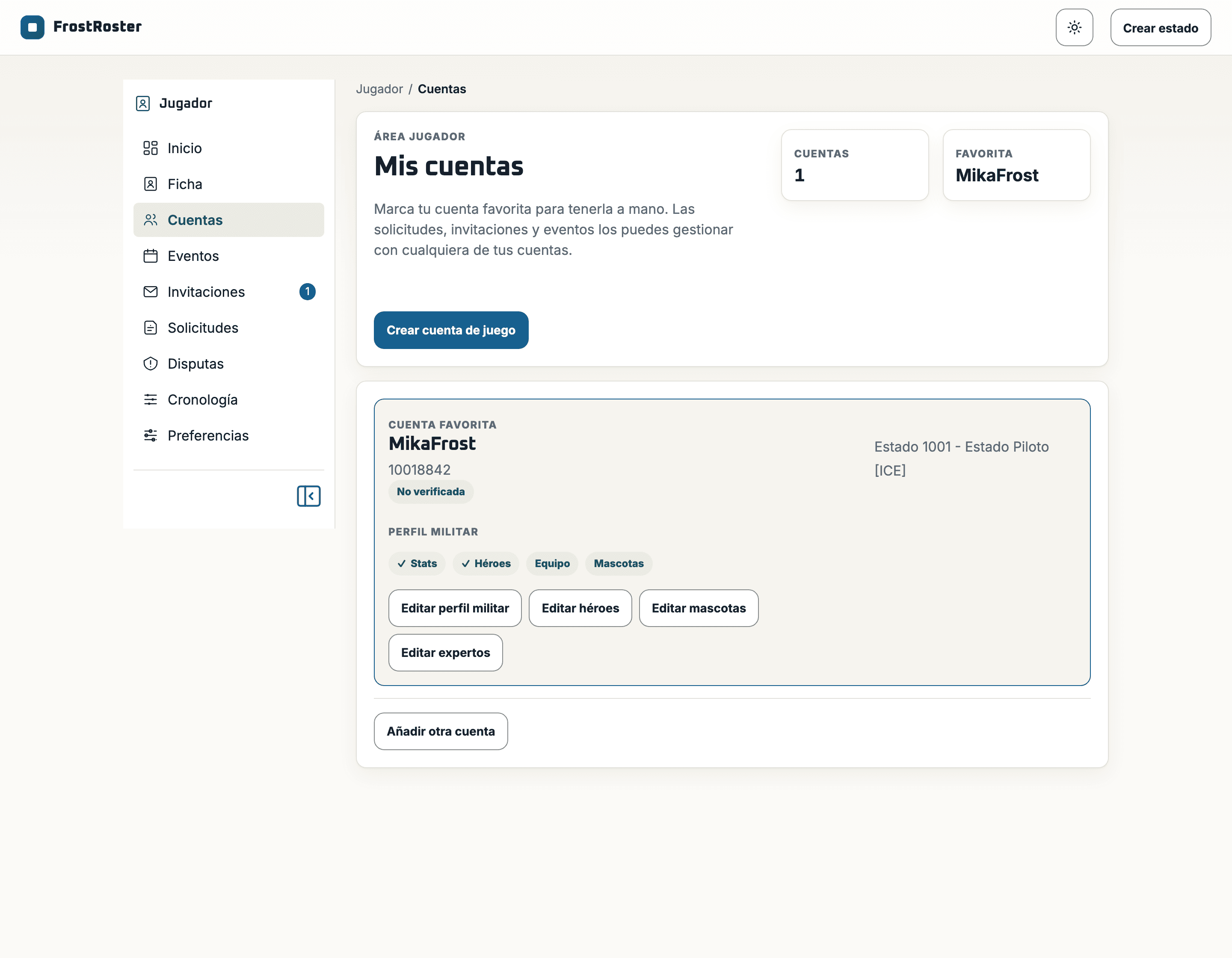
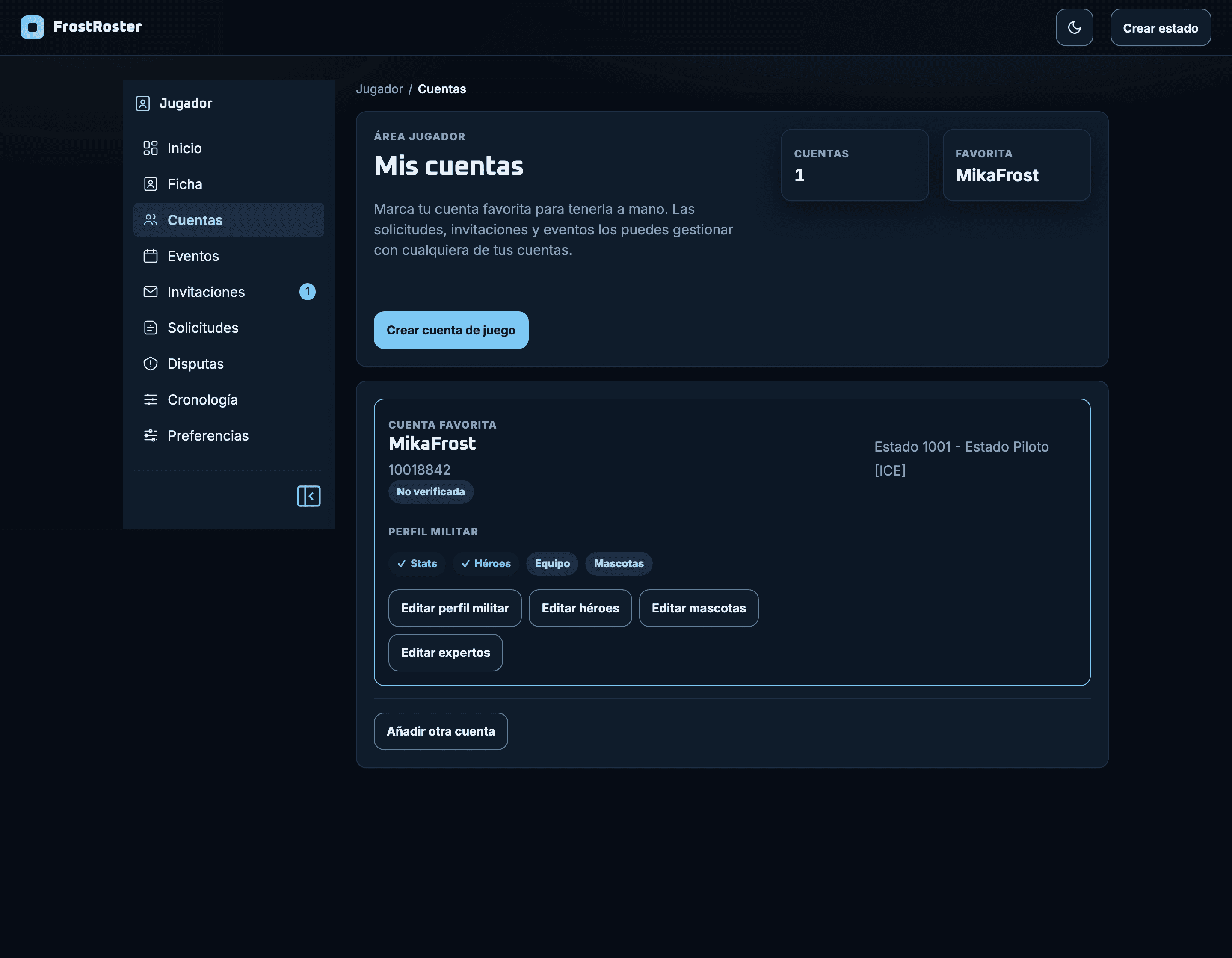
The player profile
Each player keeps their data once, and it travels with them when they move to another state.
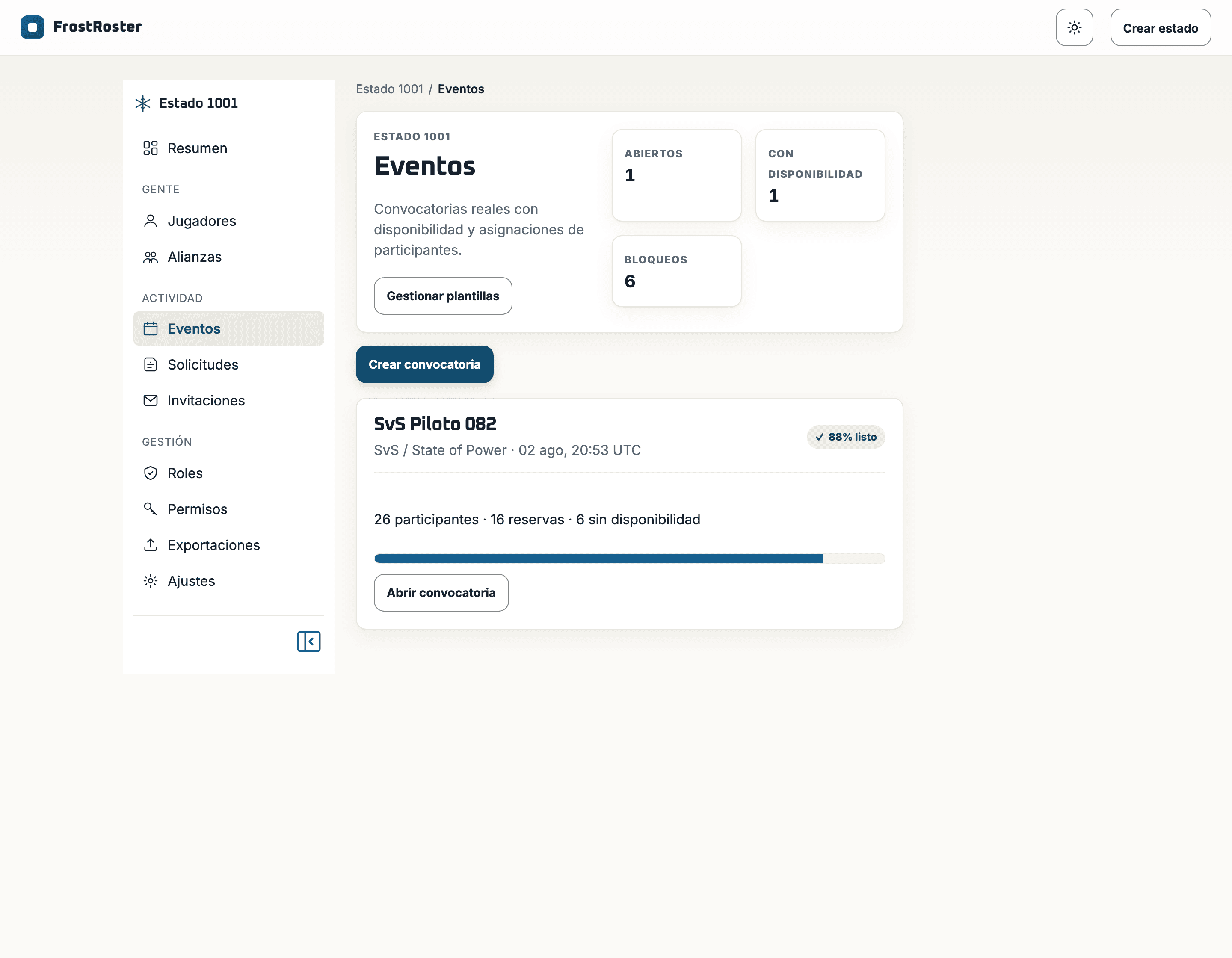
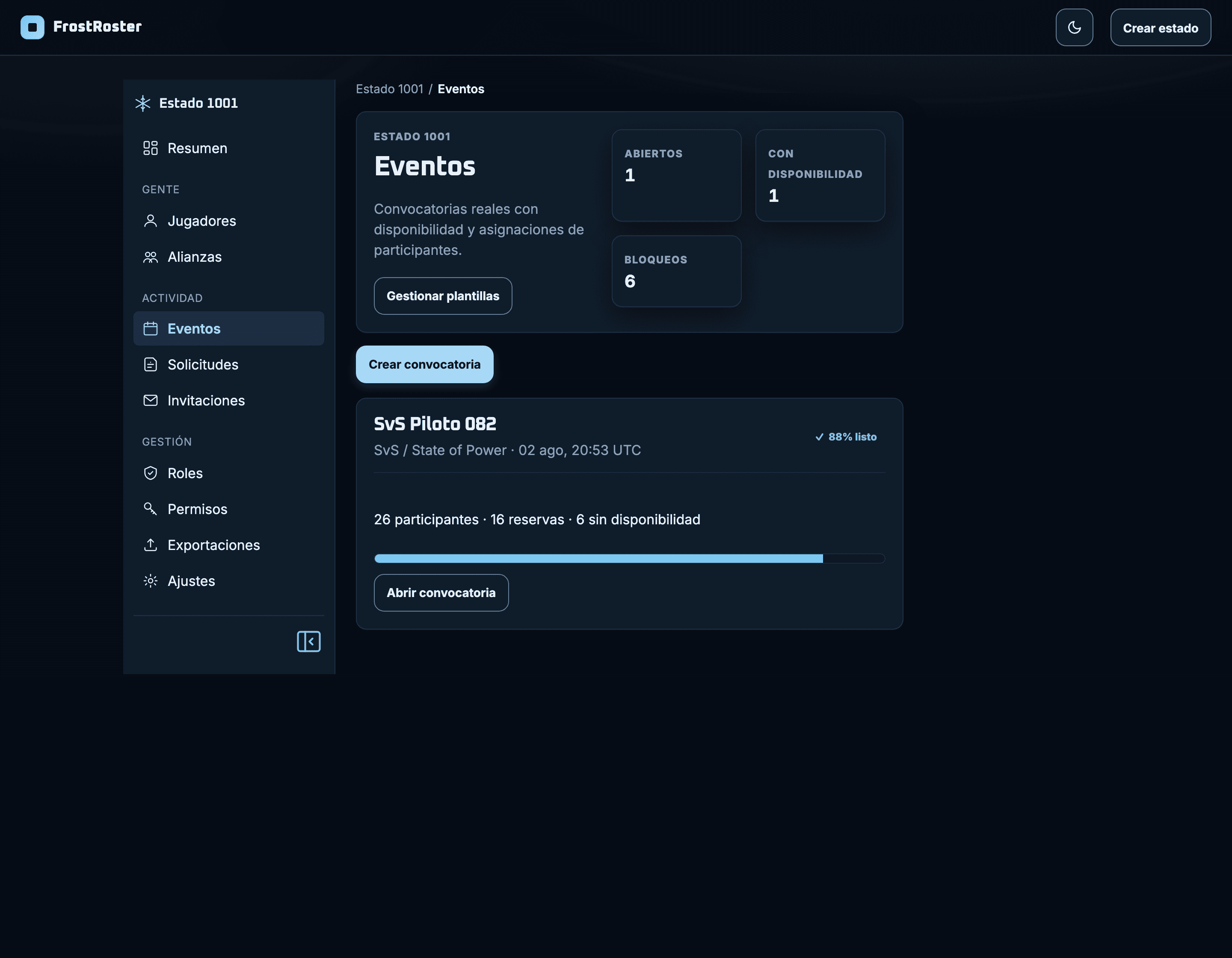
Events with real availability
Who can make it, who cannot and who stays on the bench, without chasing anyone through chat.
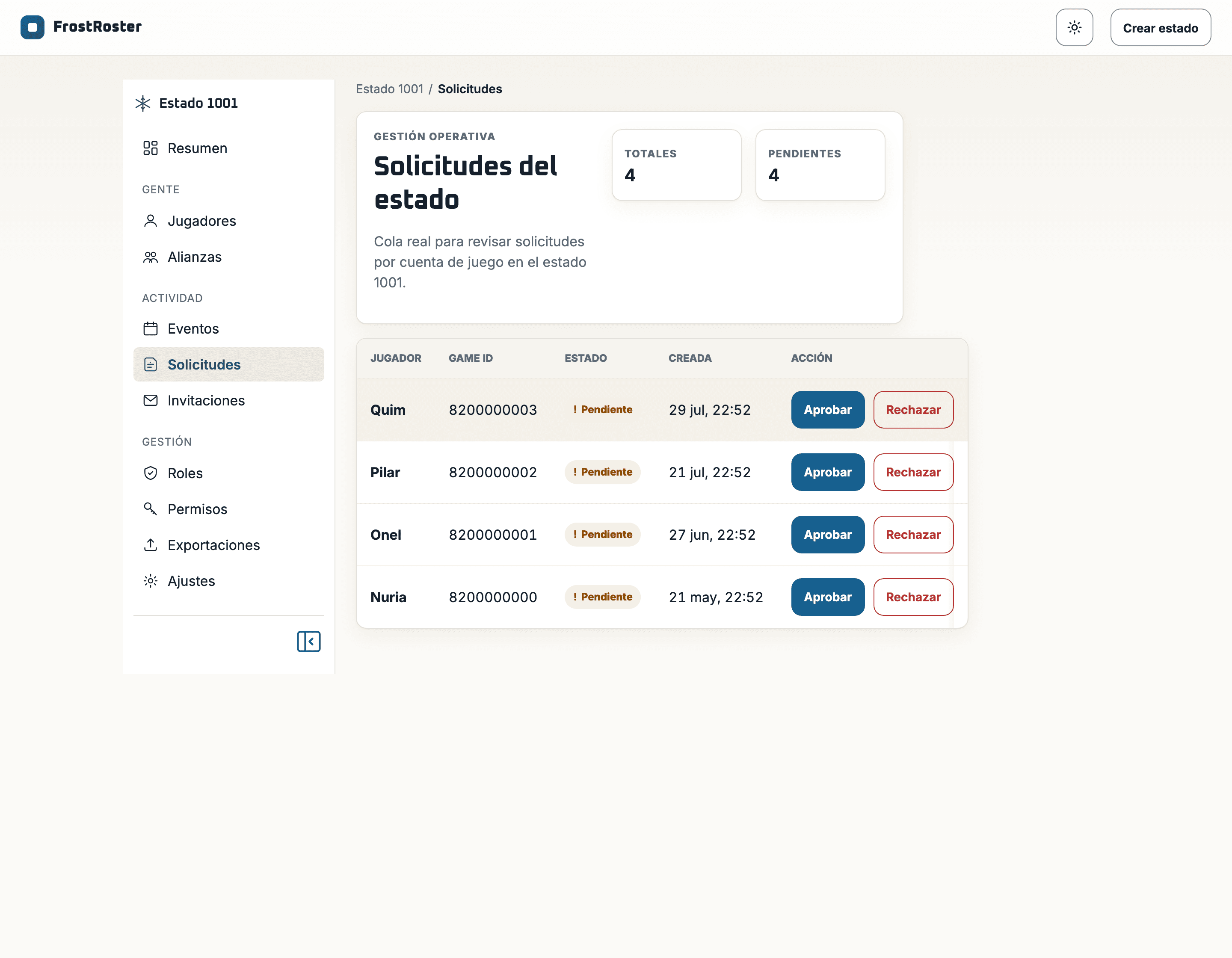
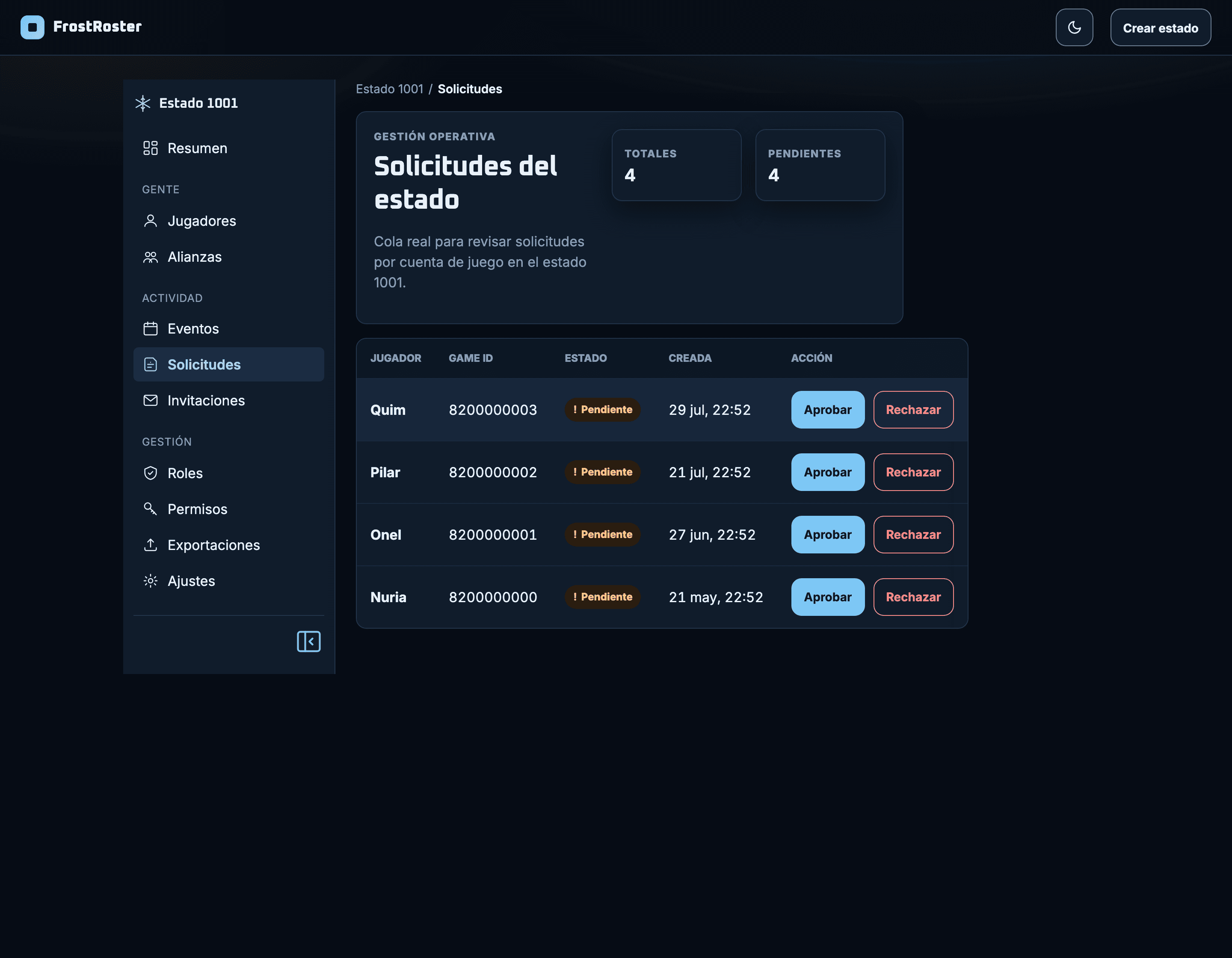
Who joins the state
Requests land in a queue with name and date, and are approved or rejected in one click.
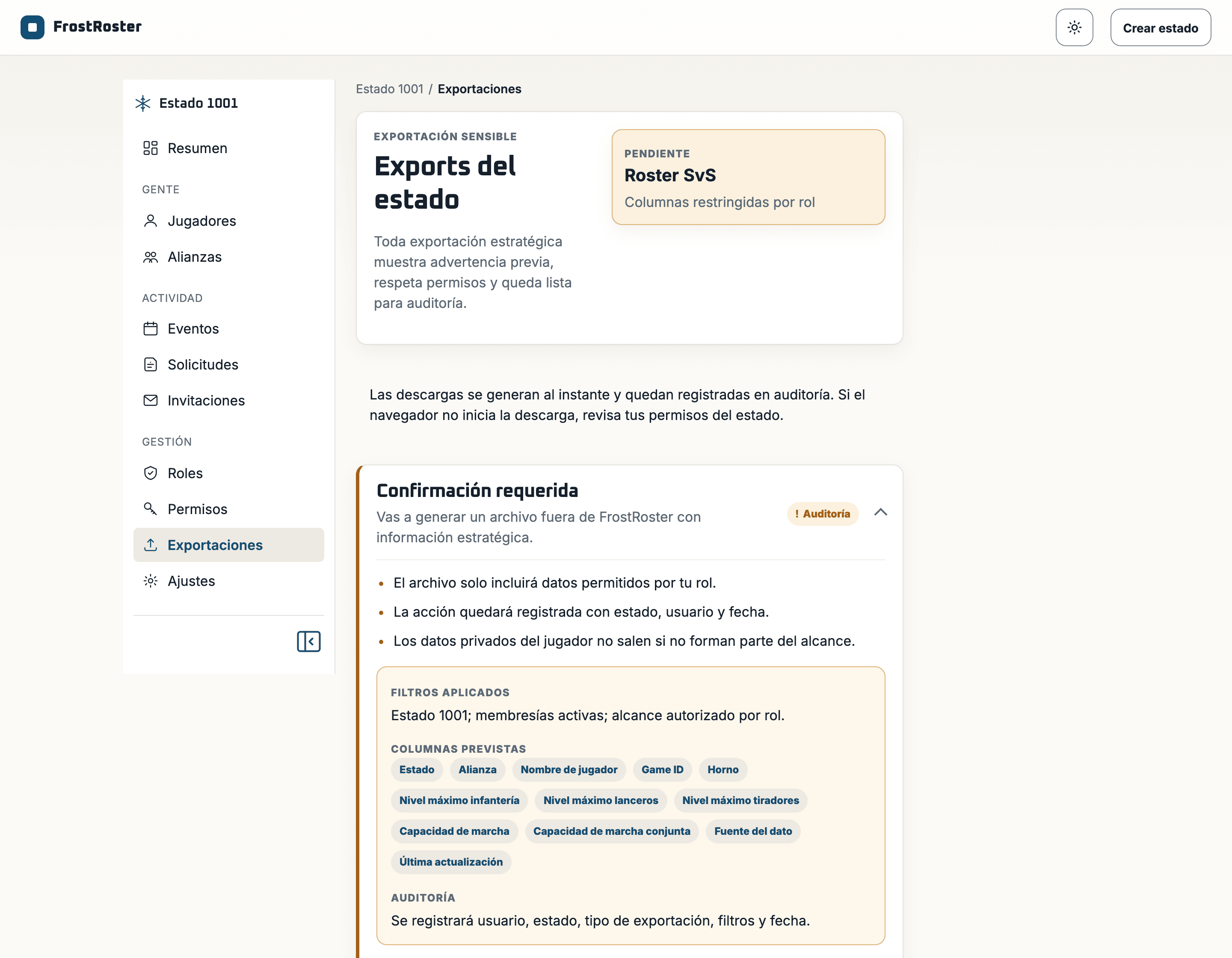
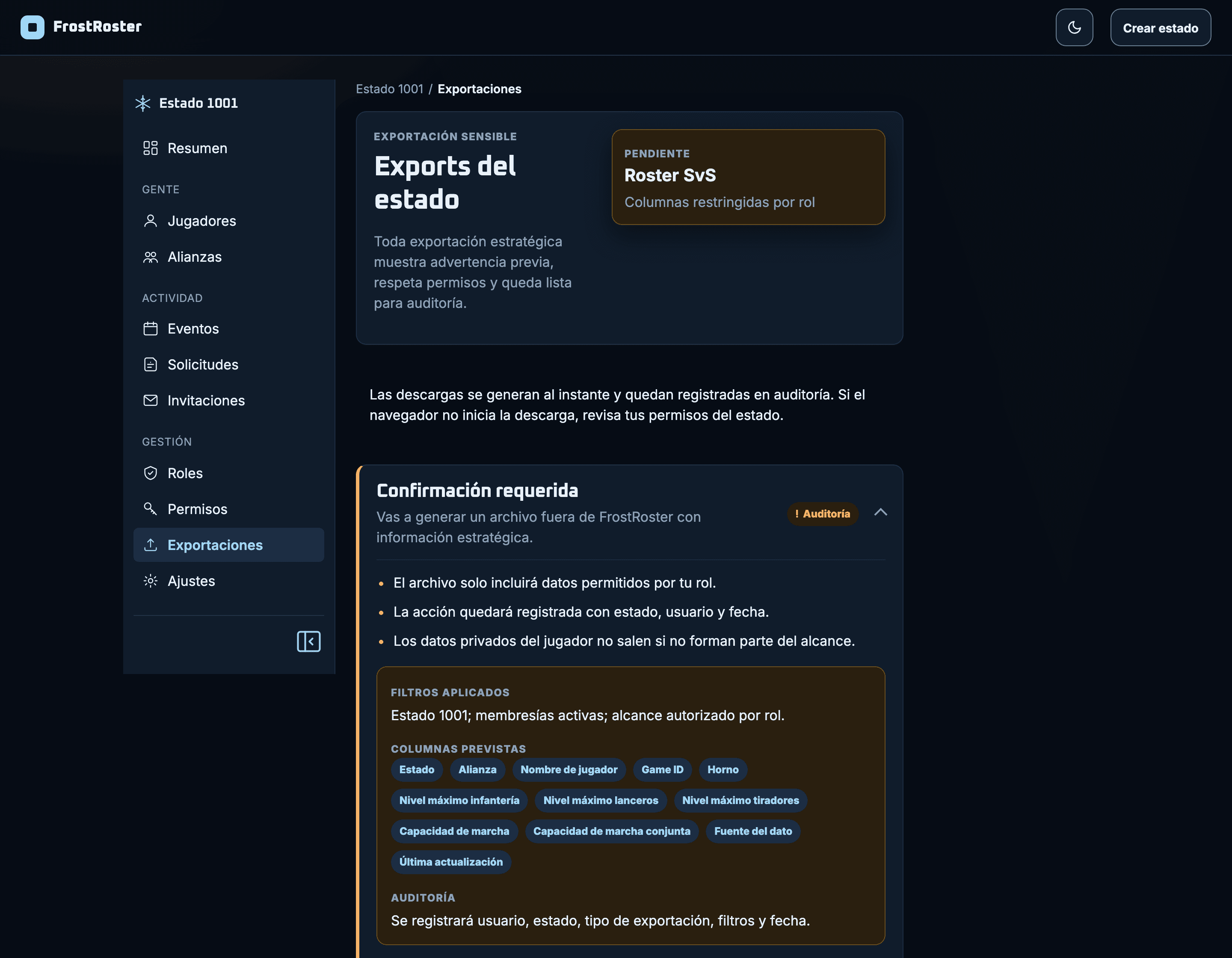
Audited exports
The file only carries the columns your role allows, and who asked for it is on the record.
This is what your state will see
Create your account and set up the roster in an afternoon.